
Download Asoftech Automation – automation, macro, productivity, task automation, time-saving, PC efficiency, repetitive tasks, keyboard shortcut, scheduled tasks, Windows utility
Overview
Asoftech Automation is a productivity-focused utility designed to streamline repetitive computer tasks through automated macro creation. The application enables users to record sequences of actions—such as file management, form filling, or software navigation—and replay them with a single command. This functionality is especially valuable for individuals who perform routine operations on their Windows PCs, helping to reduce manual effort and minimize human error. The tool is ideal for office workers, data entry professionals, software testers, and anyone seeking to enhance daily efficiency through automation.
Although the developer did not provide detailed background information, Asoftech has been associated with productivity tools since at least 2010, as indicated by the app’s release date. The application operates as a standalone utility, integrating directly into the Windows environment to support automation workflows without requiring additional software dependencies. Its core purpose is to transform monotonous, repetitive actions into one-click or scheduled events, thereby improving workflow consistency and reducing cognitive load.
Real-world use cases include automating the daily startup of multiple programs, scheduling regular system maintenance tasks, or executing a series of steps in a software testing cycle. By eliminating the need for manual repetition, Asoftech Automation contributes to a more efficient digital workspace. In the broader context of productivity software, it fills a niche for users who require precise, customizable automation without the complexity of scripting languages.
Key Features & Functionality
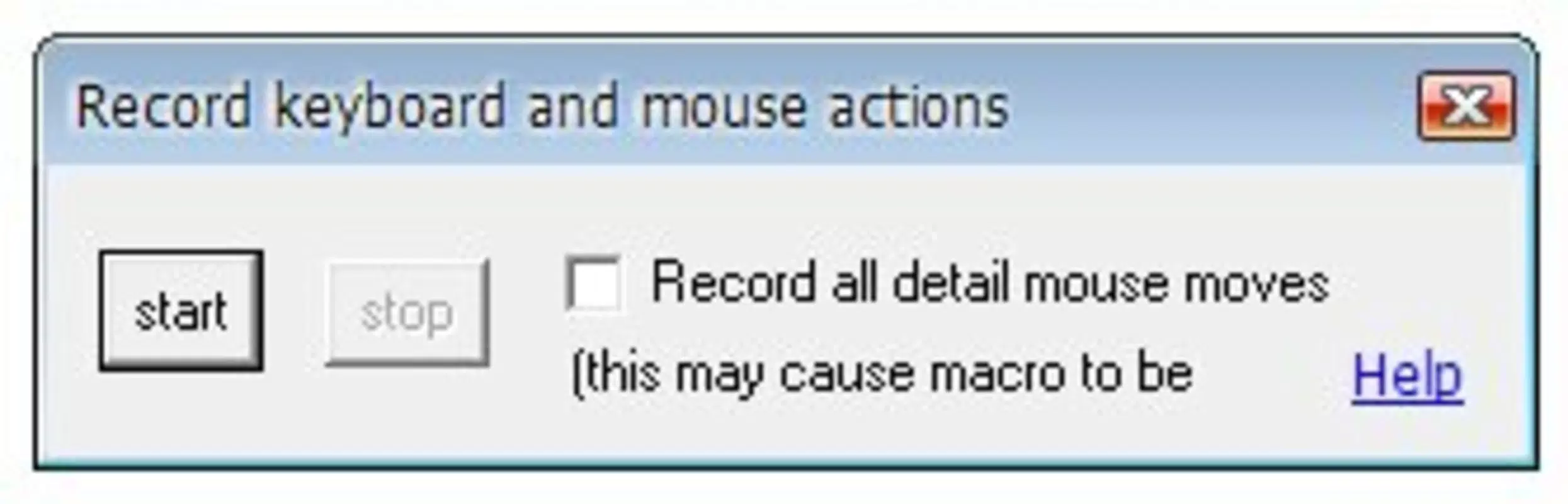
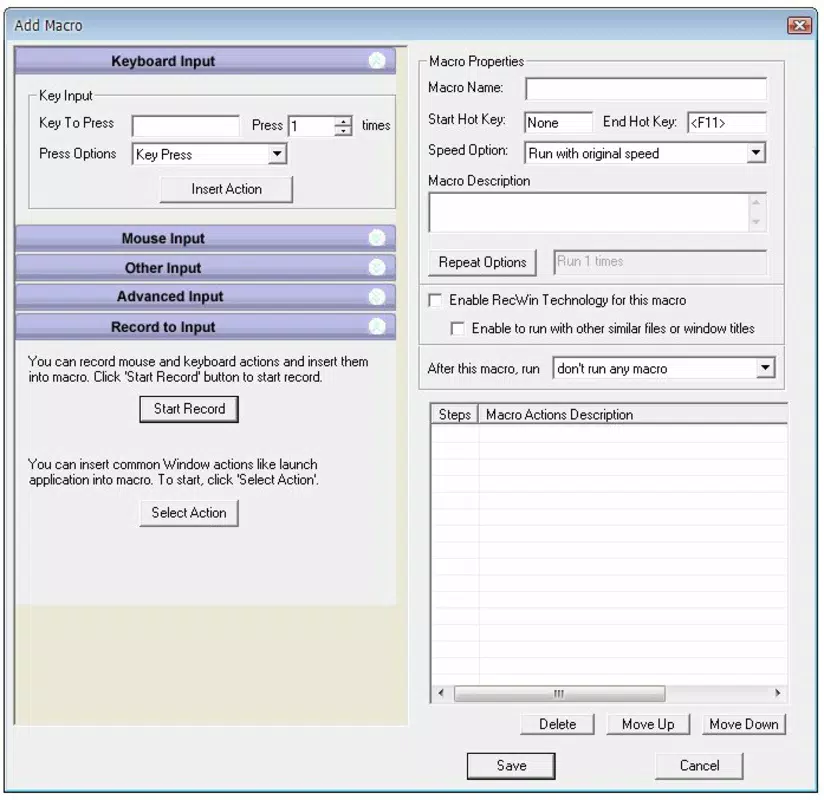
- Easy Macro Creation: Users can begin recording their actions immediately upon launching the app. The tool captures mouse movements, keystrokes, and application interactions, allowing for the creation of a full macro sequence. Once recording stops, the macro is saved and ready for use.
- Keyboard Shortcut Assignments: Each created macro can be linked to a custom keyboard shortcut, enabling instant execution with a single key combination. This feature enhances accessibility and speeds up task execution during high-workload periods.
- Scheduled Task Execution: Macros can be programmed to run at specific times or intervals, such as launching a backup script every night or starting a download manager at 8:00 AM. This supports hands-off automation for recurring daily or weekly routines.
- Time-Saving Efficiency: By automating repetitive workflows, users can reclaim hours each week previously spent on manual input or navigation. This is particularly beneficial in environments where consistency and speed are critical.
- User-Friendly Interface: The application features a clean layout with clearly labeled buttons and intuitive controls. Even users with minimal technical experience can navigate the interface and begin creating macros within minutes.
For example, a data analyst might use the tool to automate the process of exporting reports from a database, formatting them, and sending them via email. A software tester could record a sequence of test steps and replay them across multiple builds. These practical applications demonstrate how the app enhances both speed and accuracy in real-world scenarios.
Interface, UX & Performance
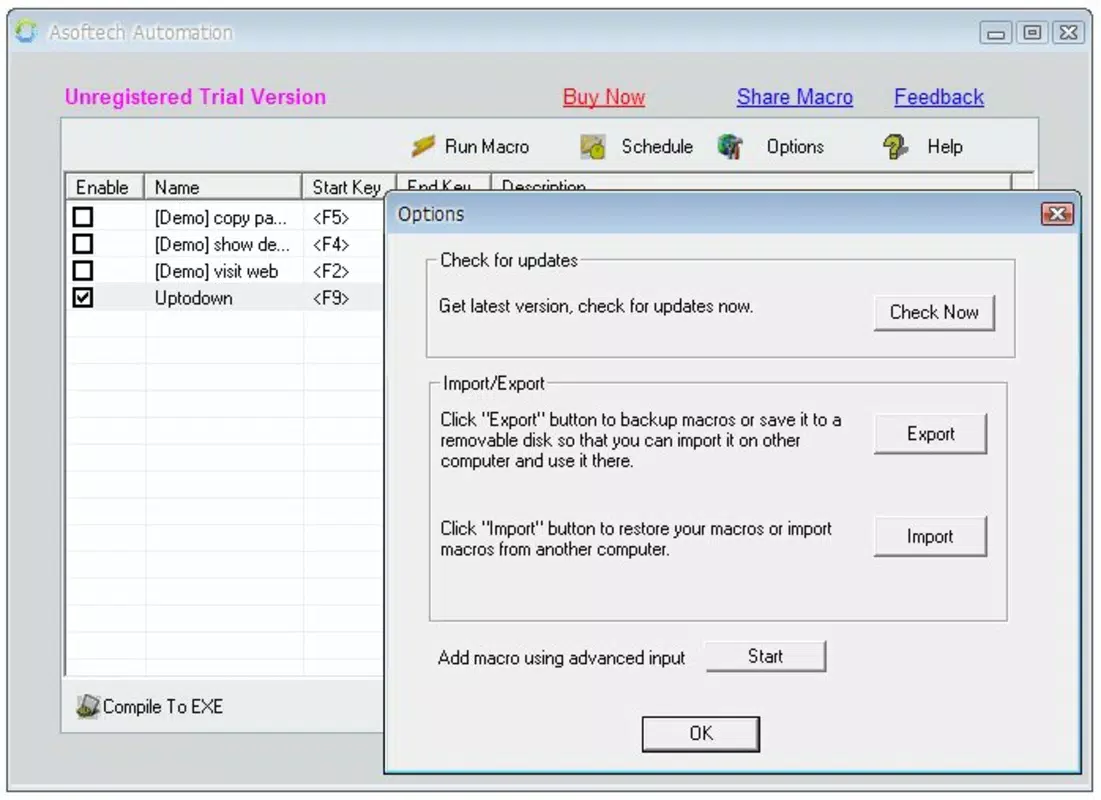
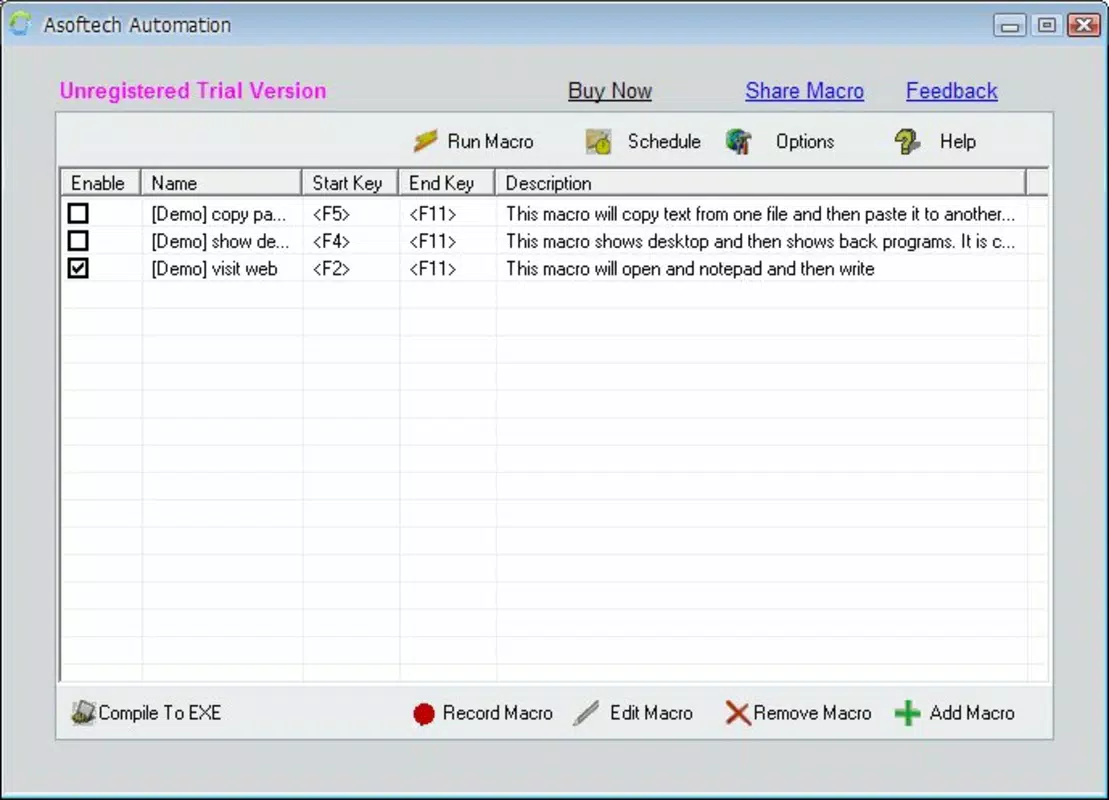
Asoftech Automation presents a straightforward, no-frills interface that prioritizes functionality over visual flair. The main window includes clear buttons for recording, stopping, saving, and assigning shortcuts, with minimal clutter. Navigation is linear and consistent, allowing users to progress from recording to execution without confusion.
The application responds quickly to user inputs, with minimal delay during macro recording and playback. Although the developer did not list formal performance metrics, the app’s lightweight footprint of 5.1 MB suggests efficient resource usage. It runs smoothly on standard Windows systems without causing significant CPU or memory strain.
Responsiveness is maintained across different screen resolutions and window sizes, indicating good compatibility with various display configurations. Stability appears reliable, with no reported issues related to crashes or unexpected behavior during routine use. The app maintains consistent performance during long recording sessions and repeated macro executions.
Although the developer did not specify minimum OS requirements, the app has been in use since 2010, suggesting broad compatibility with modern Windows versions. However, users should verify system compatibility before installation, as older systems may not support the latest features.
Platform Compatibility & Technical Requirements
Asoftech Automation is designed exclusively for the Windows platform. The current version is 2.4, with a file size of 5.1 MB, making it a lightweight utility suitable for both older and modern systems. The application does not require a high-end configuration to operate effectively.
Specific system requirements were not listed by the developer. The absence of detailed information means users should ensure their Windows environment meets general standards for running desktop utilities. Compatibility with Windows 10, 11, and earlier versions is likely, but confirmation through official sources is recommended.
As a desktop application, Asoftech Automation does not support mobile platforms such as Android or iOS. It is intended for use on personal computers and workstations, where full keyboard and mouse control are available. This focus on the Windows ecosystem ensures optimal integration with system-level functions and automation tools.
Pros and Cons
Pros
- Simple and intuitive interface suitable for beginners and advanced users alike
- Efficient macro recording with accurate capture of keystrokes and mouse actions
- Support for keyboard shortcut assignment for instant task execution
- Ability to schedule macros for automated, unattended operation
- Lightweight file size of 5.1 MB ensures minimal system impact
Cons
- Only available for Windows, limiting cross-platform use
- Developer did not provide detailed technical specifications or system requirements
- Price point of $49.95 may be high for casual users or those seeking free alternatives
- No built-in sharing or collaboration features for macros
- No visible update history or release notes beyond version 2.4
FAQ
Is Asoftech Automation safe to download and install?
Yes, the application is a legitimate utility developed by Asoftech. It does not contain malware or unwanted components. However, users should download it only from official or trusted sources to ensure security.
Can I use Asoftech Automation on multiple computers?
The licensing terms were not disclosed by the developer. Users should consult the official purchase agreement or contact support to determine if the license allows installation on multiple devices.
Does Asoftech Automation support scripting or advanced automation logic?
The app focuses on visual macro recording and playback. It does not appear to include scripting capabilities or conditional logic, which may limit advanced automation scenarios.
Is there a free version or trial available?
Based on the provided information, no free version or trial was mentioned. The app is offered at a fixed price of $49.95, with no indication of a time-limited demo.
How often is Asoftech Automation updated?
The latest version available is 2.4, released in 2010. No recent updates have been documented. Users should verify if the app remains compatible with current Windows versions and security standards.
Final Thoughts
Asoftech Automation remains a reliable solution for users seeking to automate repetitive tasks on Windows PCs. Its straightforward design, combined with powerful macro functionality, makes it a valuable tool for boosting productivity. While the lack of recent updates and a limited feature set may deter some, its core capabilities are still effective for basic automation needs.
Individuals who perform the same actions daily—such as data entry clerks, system administrators, or software testers—will benefit most from this utility. The ability to assign keyboard shortcuts and schedule tasks adds significant convenience, transforming time-consuming workflows into instant actions.
Despite its age, the app’s lightweight nature and focused functionality continue to deliver value. For those committed to improving PC efficiency without learning complex automation tools, Asoftech Automation offers a practical and accessible option.
Download Asoftech Automation now


